The local file converter for Mac
Convert any file to a different format without uploading it online
brew install --cask kavostudio/tap/moonvertFree trial · Runs 100% offline · Open source · No subscription
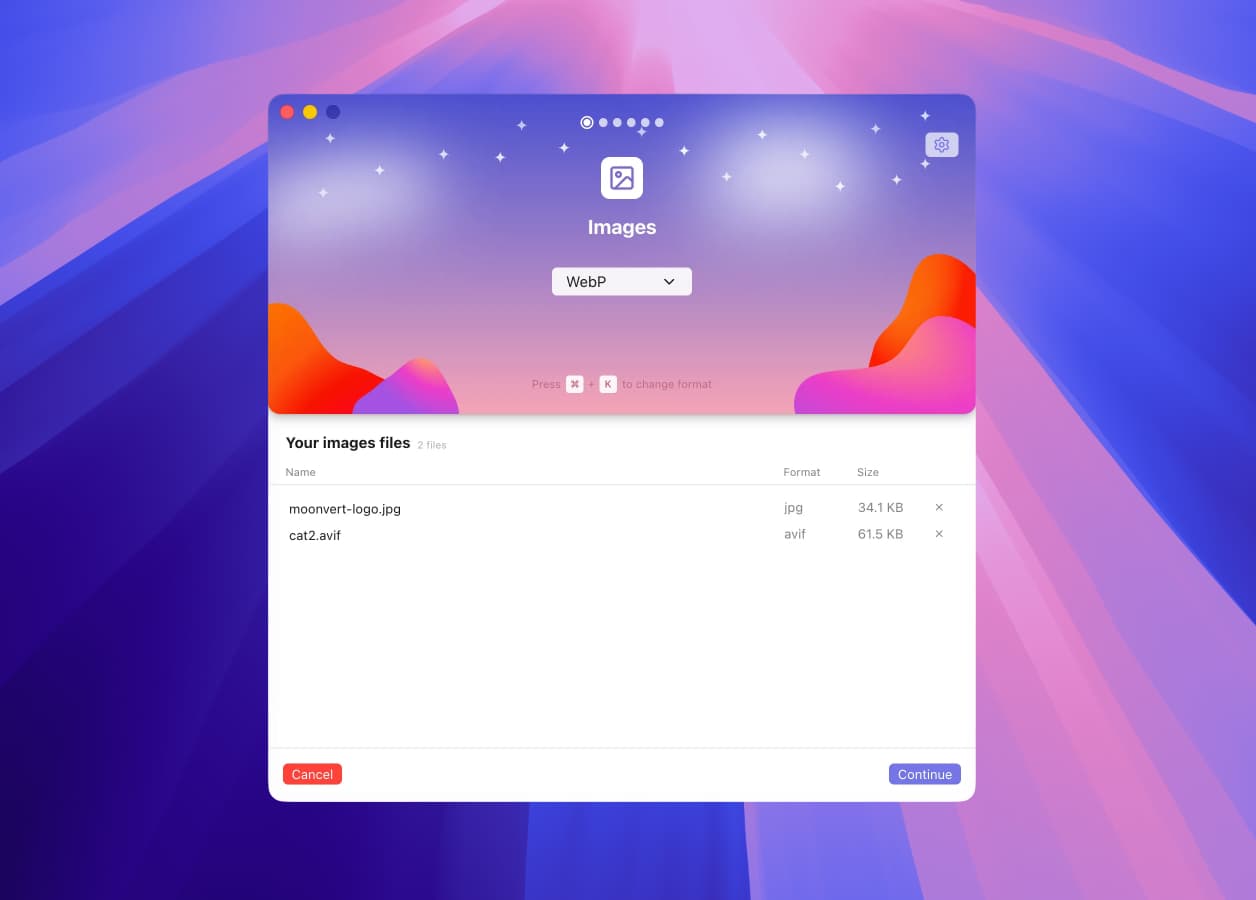
Available formats
All supported conversion formats
Choose from over 50 formats you can convert directly on your Mac, all handled locally.
Let us know and we'll add it.
Features
Your conversion toolkit
Moonvert is made to be simple and clear. It gives you the essential features you need to convert your files easily.
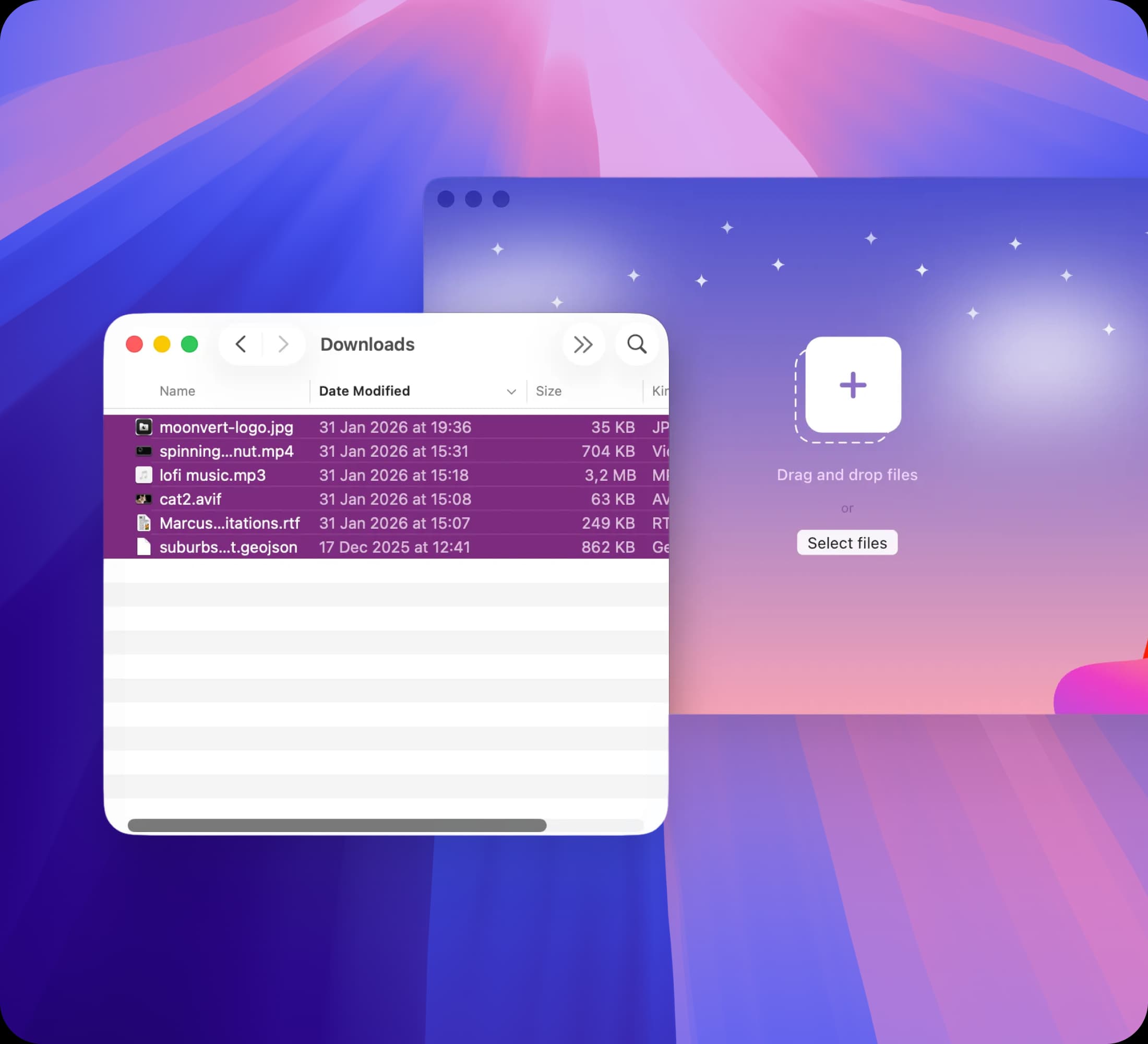
Convert many files at once
Upload multiple files in different formats and convert them all together.
Set a separate output format for each group, such as images, documents, videos, or geospatial files.
Moonvert converts everything in parallel, using hardware acceleration where possible.
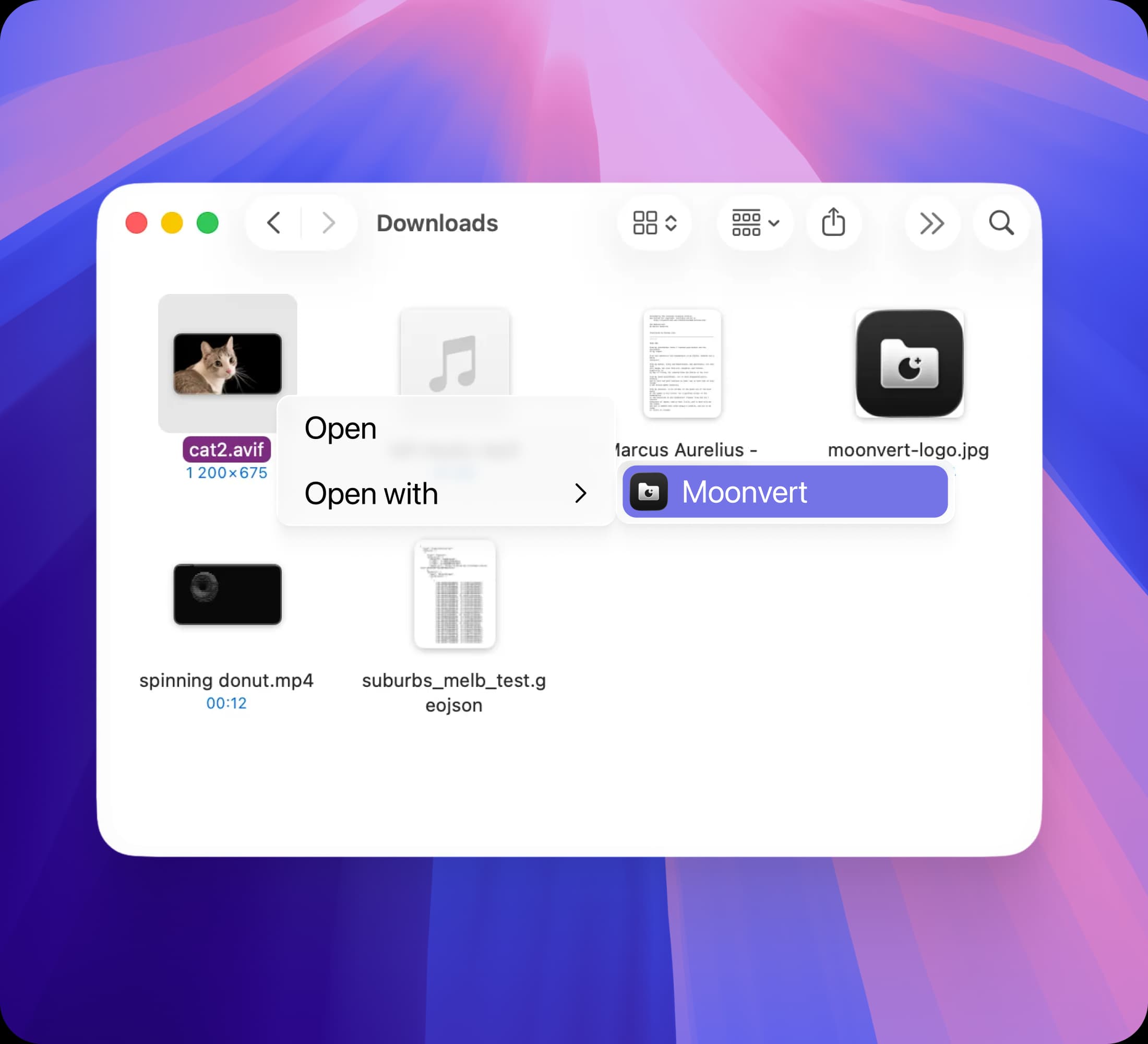
Convert from Finder
Use Finder's "Open With Moonvert" to open your file directly in the app.
It loads instantly and is ready for conversion with no dragging or manual importing needed.
Light and dark theme
Moonvert includes both light and dark themes, so you can choose the look that fits your screen best.